Structural planning of the cloud folder
Structured tiered management allows you to quickly consult specific contract details when communicating with developers or interior design firms. This digital management not only saves time on searching for paper documents but also prevents files from being lost or accidentally damaged, serving as an essential asset maintenance tool for the modern property owner.
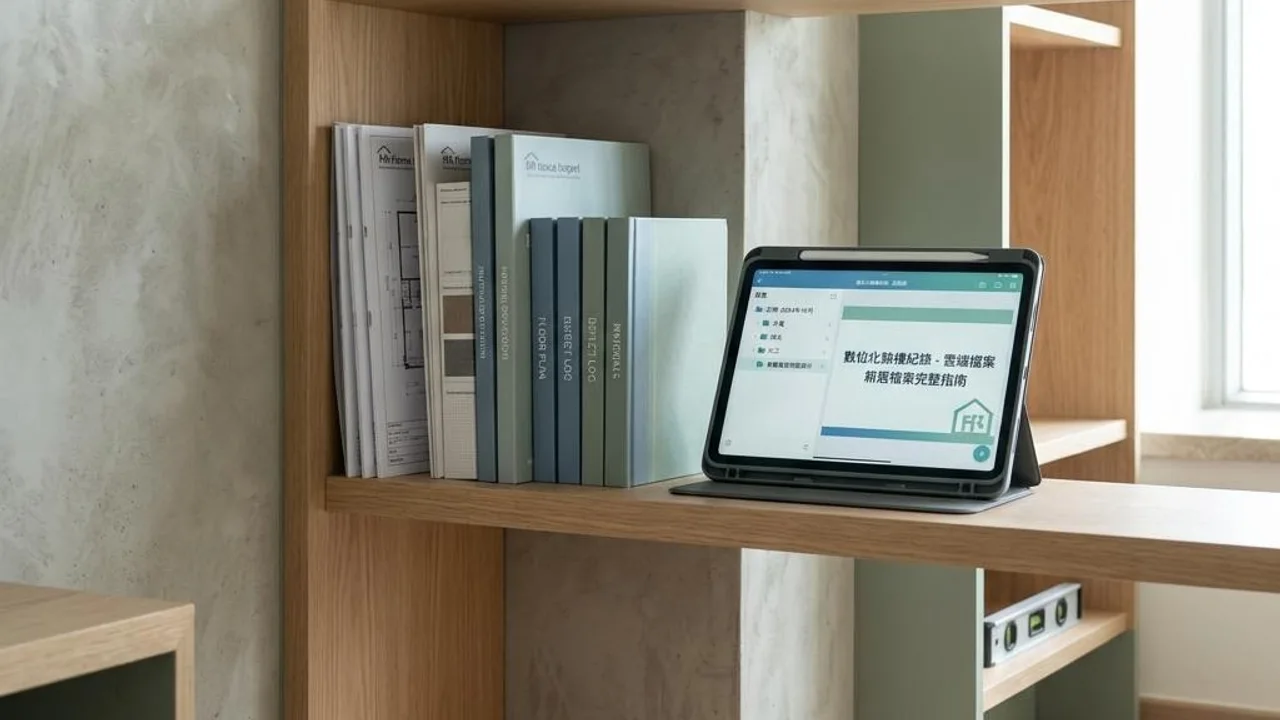
Breaking down cloud storage into core categories, such as contract blueprints, property inspection photos, and defect rectification lists, can significantly streamline the information retrieval process. A systematic directory structure helps you continuously add various important certificates during the renovation process, ensuring the integrity of your asset database.
- Contracts and design blueprints folder
- On-site photos and property inspection checklist
- Official inspection reports and defect rectification lists
- Home appliance manuals and warranty certificates
Naming and labeling of image data
If large amounts of on-site photos and videos are not saved using a uniform naming convention, it will easily cause confusion during retrieval later. It is recommended to establish a simple naming format for photos, such as "space name_item_date_detail," for example "Living room_wall crack_202607_close-up," to allow for quick cross-referencing within the cloud environment.
Use the tag or categorization functions of your photo platform to group panoramic shots with close-ups. This way, when a developer questions the progress or details of a repair, you can directly display the corresponding on-site situation, increasing communication efficiency and ensuring that both parties share a completely identical understanding of the scope of the problem.
- Uniform file naming convention
- Categorize by space attribute
- Make good use of keyword tag features
- Create control groups to track progress
Establishment of electronic tracking lists
Converting handwritten property inspection memos into cloud spreadsheets is core to improving management efficiency. Owners can create lists containing item numbers, specific locations, problem details, links to corresponding photos, and the current defect rectification status. This method allows you to clearly grasp the resolution progress of every single issue.
A dynamically updated tracking sheet is crucial for defect rectification communication. Whenever a contractor completes a repair, you can update the status in the sheet in real-time. This helps you clearly point out items still needing improvement during meetings, reducing the risk of missed repairs or communication delays caused by ambiguous information.
- Record problem details and ID numbers
- Set up clear status columns (Pending Repair/Completed)
- Link to corresponding image files
- Regularly update and archive report data
Integrated property file management
Digital folders should function as a comprehensive property database, serving as permanent storage for key card records, appliance warranty documents, and electrical/plumbing layout diagrams. In any future partial repairs or renovation plans, these historical data points will become a vital foundation for making accurate assessments, avoiding blind construction.
One-stop information consolidation allows owners to be more proactive when dealing with daily repairs and maintenance matters. When you need to contact professional teams, you can provide precise blueprint information, saving time on on-site surveys and thus improving the overall work efficiency of repairs and maintenance.
- Store indoor electrical and plumbing layout diagrams
- Manage warranty periods and guarantee terms
- Establish key card management records
- Back up renovation project historical data
Secure access and backup mechanisms
Cloud storage is convenient, but a backup mechanism is equally indispensable. It is recommended to use cross-platform synchronization or regularly export important data to a local hard drive to prevent record loss due to account failures. Data security is an important part of digital file management.
If you need to share with your renovation team or family members, make good use of the permissions settings on cloud platforms. By using read-only or editable shared links, relevant stakeholders can view the latest status in real-time, ensuring information flow while simultaneously protecting your personal privacy and data security.
- Multi-platform synchronized storage solution
- Regular local data backups
- Set reasonable sharing permissions
- Ensure data privacy and security
Key data support from professional OPO Inspection
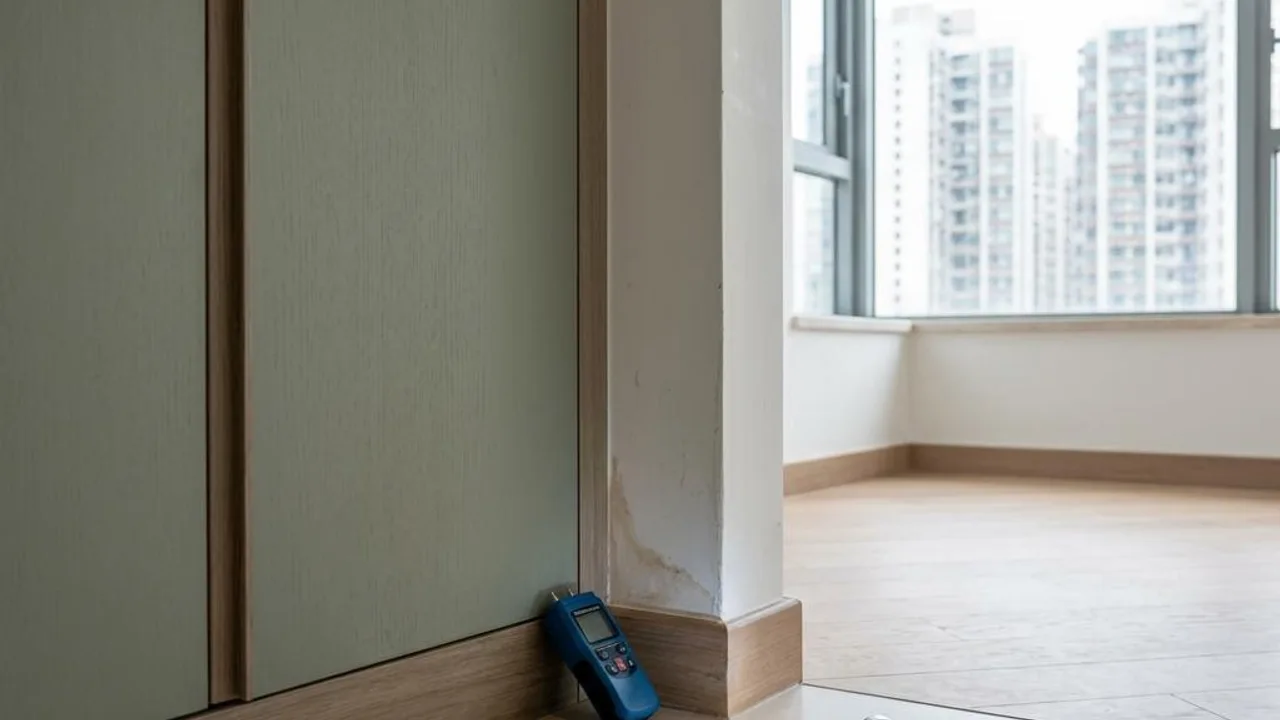
Digital management can optimize your organizational abilities, but the reliability of records still depends on objective data obtained through professional inspections. Aspects such as concealed electrical and plumbing installations or the structural depth of cracks require a property inspector to use professional procedures for evaluation. Writing this accurate data into your cloud list is the most effective way to record assets.
Professional assessment records provided by the property inspector should be included in the cloud database as a powerful backing for subsequent defect rectification. Data obtained through professional testing can help owners clarify potential risks, providing a persuasive document reference when following up with developers or repair parties.
- Obtain structural and electrical/plumbing analysis data
- Ensure records have third-party impartiality
- Optimize defect rectification follow-up workflow
- Safeguard long-term property management quality
FAQs
How can I ensure that cloud property inspection files remain valuable for reference during future renovations?
It is recommended to keep original electrical/plumbing layout diagrams and renovation history records in the cloud files, and establish a regular update mechanism to add the latest data and photos after any subsequent maintenance or equipment replacements, ensuring the data evolves with the property's state.
If the developer refuses to accept my digital record list, how should I handle it?
You can ask the developer about their preferred communication format and adjust your electronic records to match that standard. If a dispute regarding defect rectification is involved, it is recommended to have a professionally qualified person assist in evaluating the nature of the issue and incorporate the professional report into your cloud database for future reference.
Do digital property inspection files require special attention to data encryption or privacy settings?
Yes, it is recommended to set up two-factor authentication for your cloud account and use password protection or time limits for shared links containing sensitive information, ensuring that only relevant authorized personnel can access your residential property files.